Guest user access to Mirait Technologies resources

Dec 09, 2025
Some non-public resources are available for registered guests with restricted access.
This provides a guideline for requesting and accepting guest access.
- Your Mirait Technologies Australia representative will have discussed the resources and access appropriate for you.
- Once approved, you will receive an invitation email.
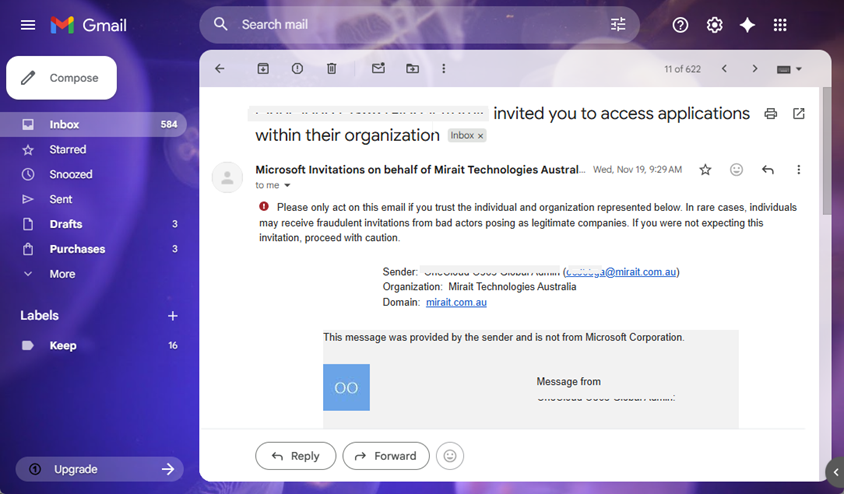
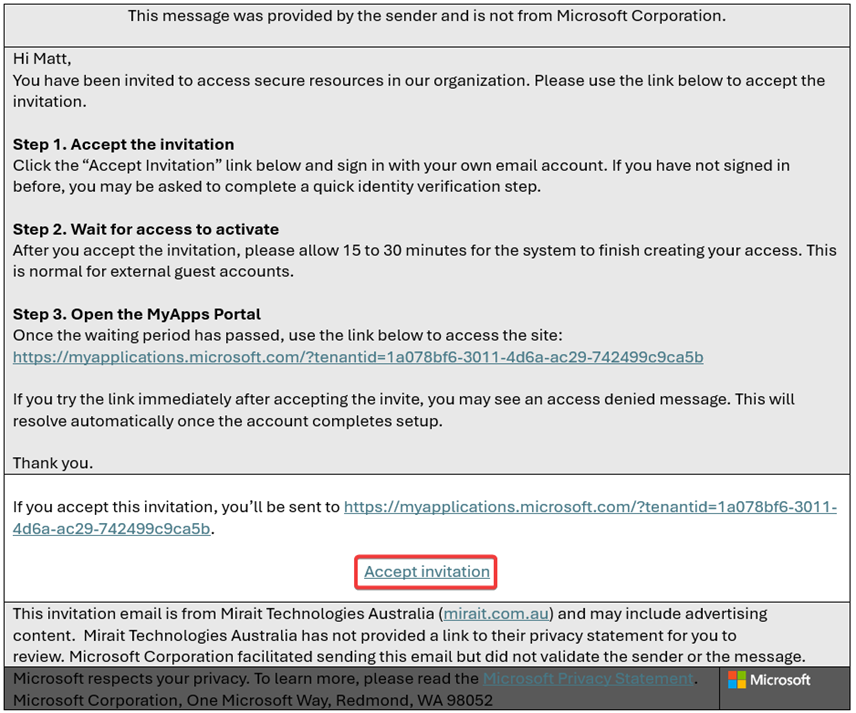
- Please review the information provided within the email and when ready, click Accept Invitation
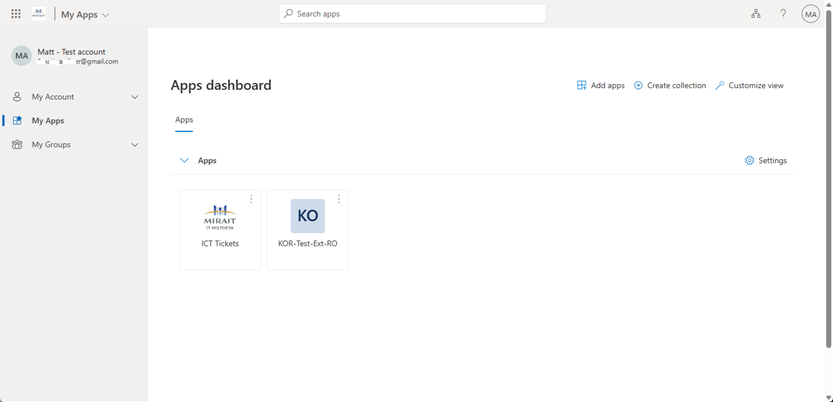
- Assigned resources within the MyApps Portal
Any resources or apps available to you will be assigned and visible via the MyApps portal.
- Technical Support
You’ll be able to log technical support tickets from the MyApps portal using the ICT Tickets app.
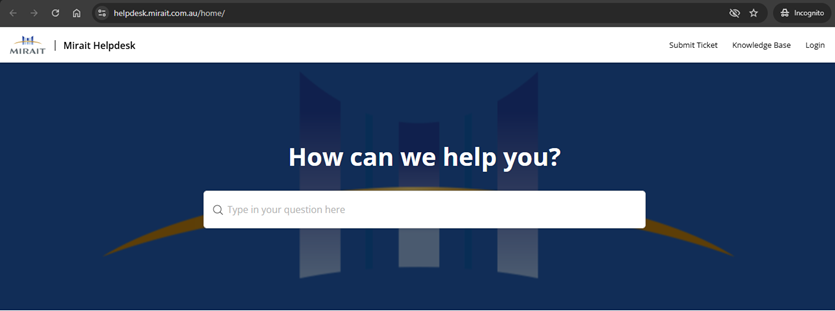
Or by opening https://helpdesk.mirait.com.au/home/