This article describes the steps to logon and use your new mobile device with the Mirait approved Apps.
Ensure your device has internet access through a mobile data SIM or Wi-Fi connection.
|
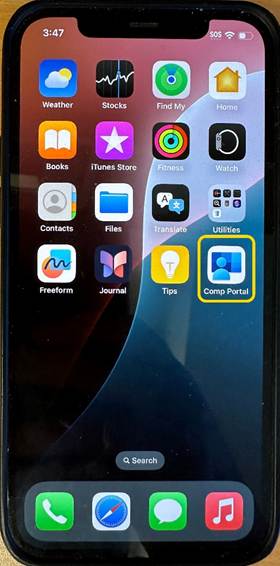
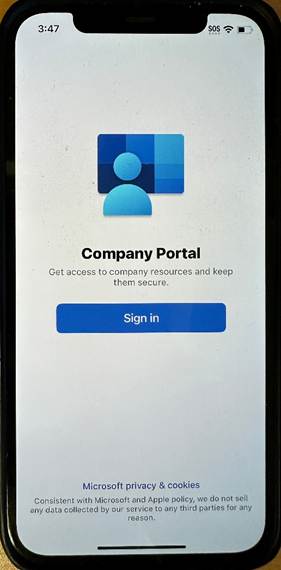
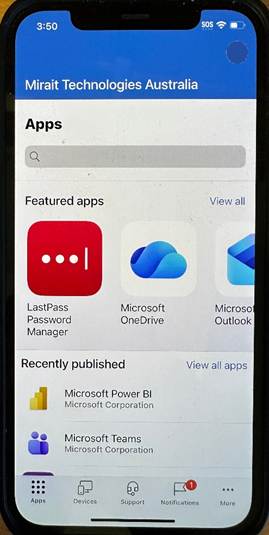
Open the “Comp Portal” app The Company Portal is where all the approved Apps will be available. |
|
|
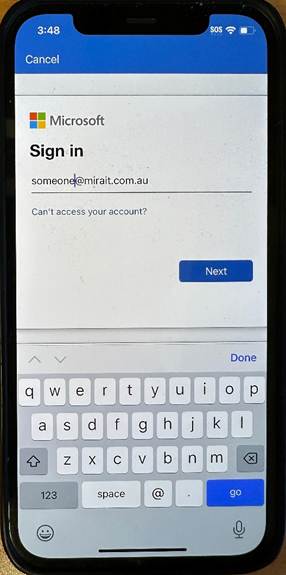
Sign in with your Mirait email address. |
|
|
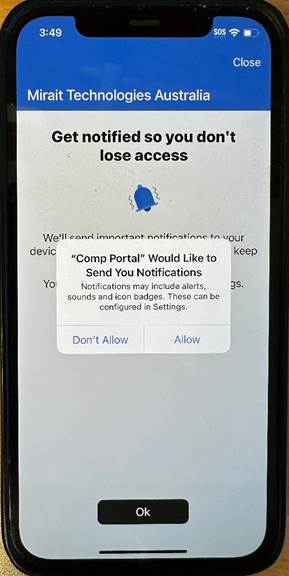
Allow notifications from the Company Portal on your mobile device. |
|
|
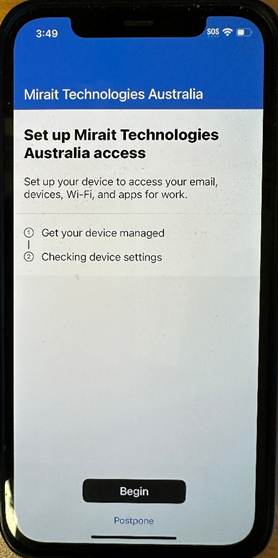
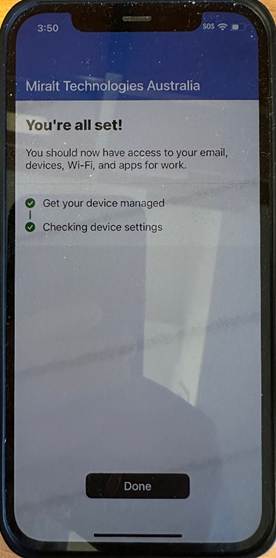
After you have signed in for the first time, Begin the setup process to activate your mobile device and allow all the approved Apps. |
|
|
The Company Portal will now allow you access to all the approved Apps.
If there are other Apps you believe should be approved, you can request by emailing [email protected] |
|
|
Login to your company Apple Account. Open Settings > Apple Account |
 |
| Select Sign-in manually |  |
| Enter your MTA email address | 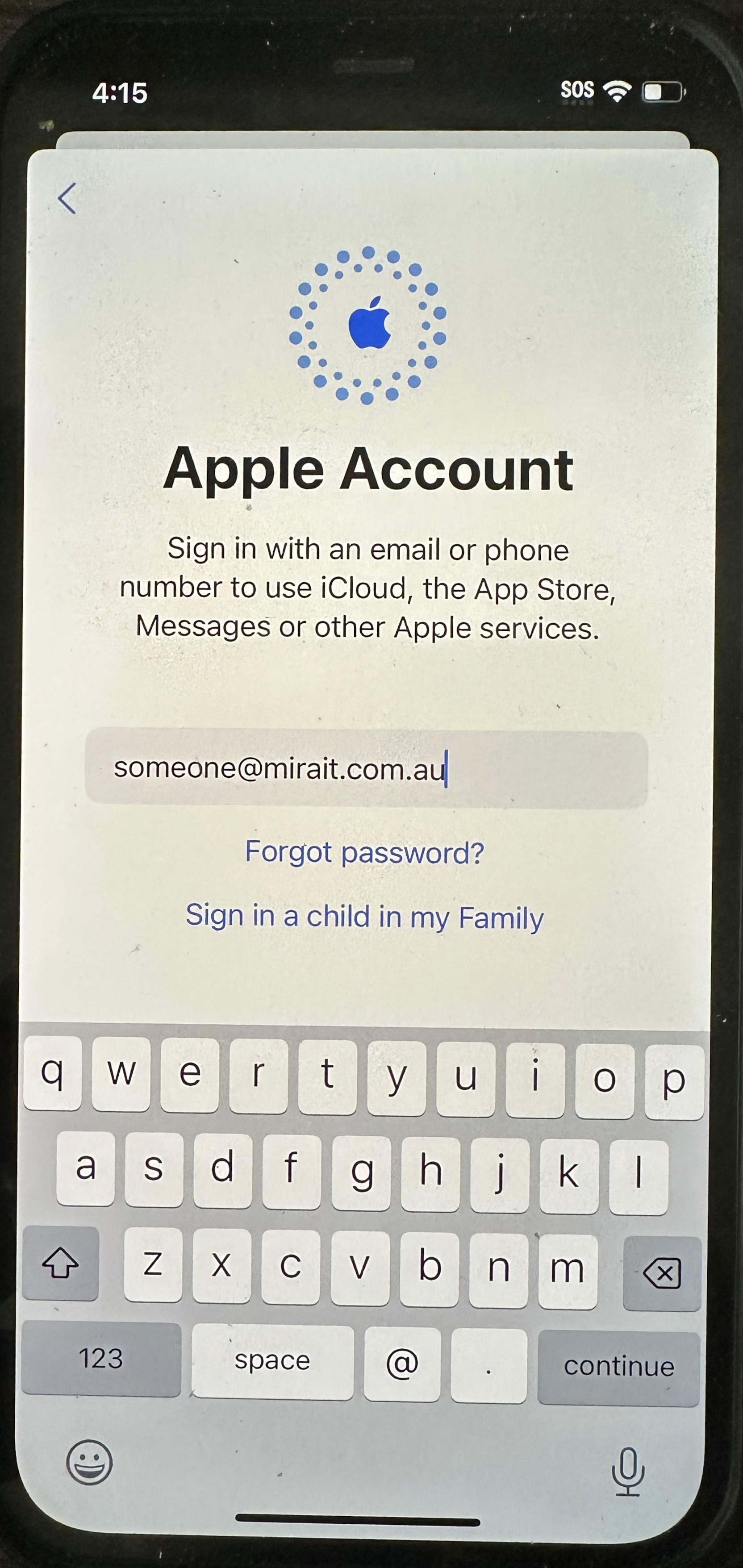 |
| Acknowledge the notification |  |
|
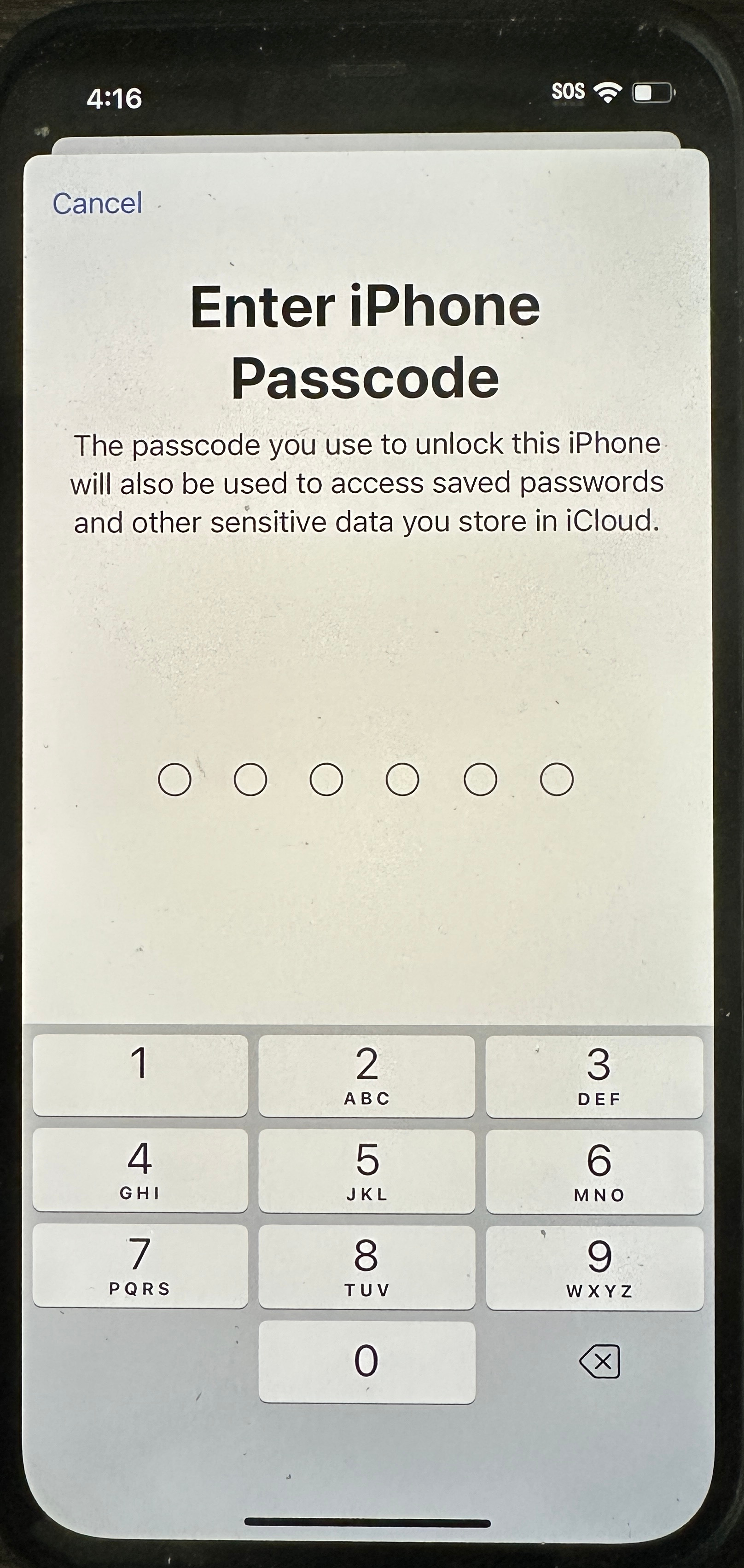
You'll be signed in. Enter your Phone PIN code |
|
| Your activation is complete |  |